> ## Documentation Index
> Fetch the complete documentation index at: https://openproofs.pro/llms.txt
> Use this file to discover all available pages before exploring further.
# FORXEA: The Electronic Trading Software Platform for Every Trader
> FORXEA gives you real-time market data, 500+ analytical tools, and customisable interfaces to trade with confidence across 100+ global markets.
FORXEA is an electronic trading platform built for traders who demand speed, clarity, and control. Whether you're monitoring global indices, analysing forex pairs, or managing a diversified portfolio, FORXEA gives you the tools to trade with confidence. This documentation covers everything you need to get started, configure your workspace, and make the most of FORXEA's features.
## What is FORXEA?
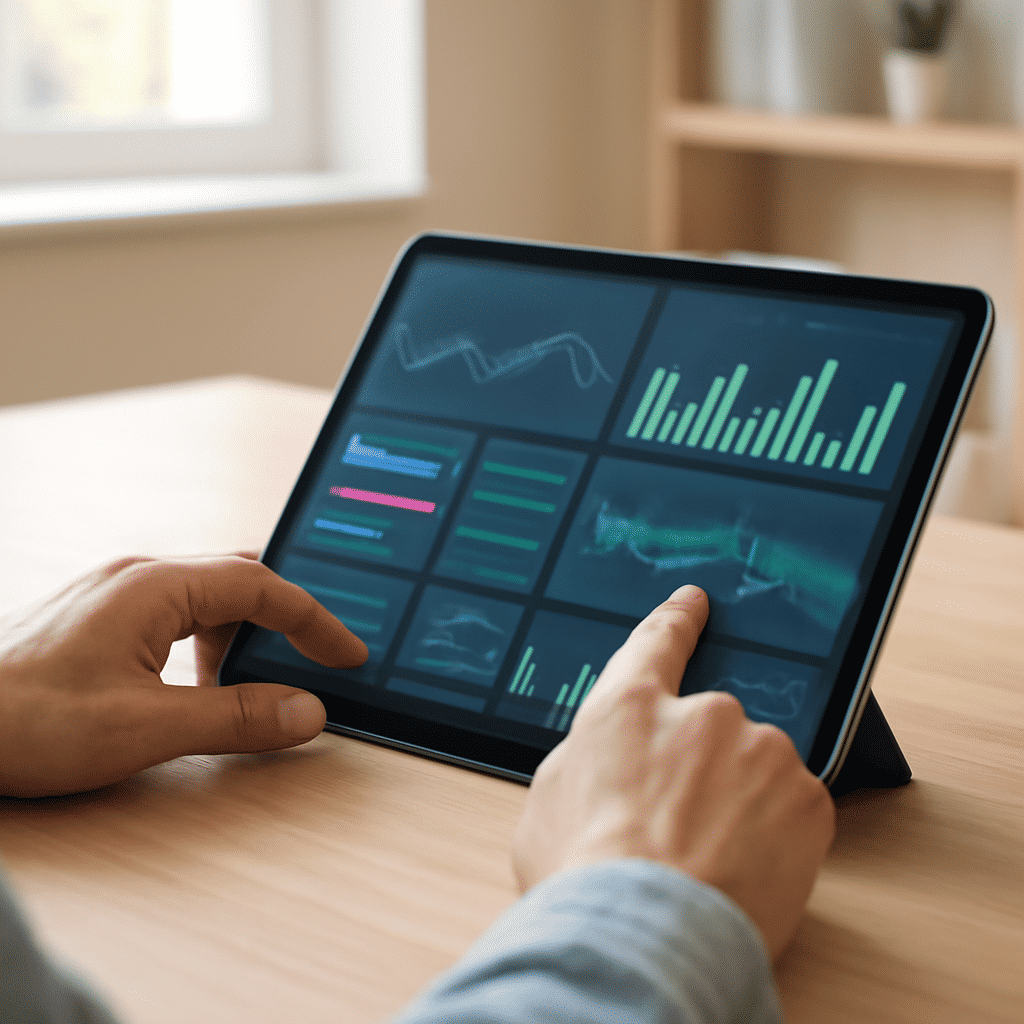 FORXEA is a digital trading platform that brings together real-time market data, advanced analytical tools, and highly customisable interfaces — all in one place. It's designed to suit traders of every style, from those who prefer a clean, minimal view to those who want deep data across multiple screens.
Here's what sets FORXEA apart:
* **Intuitive trading interfaces** — choose a layout and workflow that fits the way you trade, whether you prefer a minimal dashboard or a multi-panel professional setup
* **Real-time market data** — live prices, order book depth, trade history, and streaming feeds across 100+ global markets, updated with low latency
* **500+ analytical tools** — from standard moving averages to advanced options analytics and custom indicator builders
* **Global market reach** — access equities, forex, commodities, indices, and more across major exchanges worldwide
* **Flexible integrations** — connect third-party data feeds, news services, and analytics providers to enrich your trading environment
FORXEA continuously updates its data feeds and tooling so you're always working with accurate, current information.\\
FORXEA is a digital trading platform that brings together real-time market data, advanced analytical tools, and highly customisable interfaces — all in one place. It's designed to suit traders of every style, from those who prefer a clean, minimal view to those who want deep data across multiple screens.
Here's what sets FORXEA apart:
* **Intuitive trading interfaces** — choose a layout and workflow that fits the way you trade, whether you prefer a minimal dashboard or a multi-panel professional setup
* **Real-time market data** — live prices, order book depth, trade history, and streaming feeds across 100+ global markets, updated with low latency
* **500+ analytical tools** — from standard moving averages to advanced options analytics and custom indicator builders
* **Global market reach** — access equities, forex, commodities, indices, and more across major exchanges worldwide
* **Flexible integrations** — connect third-party data feeds, news services, and analytics providers to enrich your trading environment
FORXEA continuously updates its data feeds and tooling so you're always working with accurate, current information.\\
 ## What You Can Do
Execute trades backed by live prices, order book data, and streaming market feeds across 100+ global markets — all with low latency.
Apply any of 500+ analytical tools to your chosen instruments. Build custom indicators, overlay technical studies, and compare assets side by side.
Arrange panels, choose your preferred layout, pin your most-watched markets, and save multiple workspace profiles to match your trading style.
Connect third-party data feeds, news services, and analytics providers directly into your FORXEA workspace to enrich your trading decisions.
## Key Concepts
## What You Can Do
Execute trades backed by live prices, order book data, and streaming market feeds across 100+ global markets — all with low latency.
Apply any of 500+ analytical tools to your chosen instruments. Build custom indicators, overlay technical studies, and compare assets side by side.
Arrange panels, choose your preferred layout, pin your most-watched markets, and save multiple workspace profiles to match your trading style.
Connect third-party data feeds, news services, and analytics providers directly into your FORXEA workspace to enrich your trading decisions.
## Key Concepts
 Before you dive in, here are a few terms you'll encounter throughout this documentation:
* **Trading Interface** — The configurable workspace where you view markets, charts, and order panels. FORXEA offers a range of interface layouts to match your trading style.
* **Market Data** — Live and historical price information streamed directly to your workspace, covering prices, volumes, and order flow across global markets.
* **Analytical Tools** — Charts, indicators, screeners, and modelling tools that help you evaluate market conditions. Choose from 500+ built-in tools or build your own.
* **Order Panel** — The interface component where you enter and submit trades. It lets you select order type, quantity, direction (buy or sell), and review order details before confirmation.
* **Portfolio View** — A real-time summary of your open positions, account balance, profit and loss, and trade history, all in one consolidated view.
Ready to start trading? Head to the [Quickstart guide](/quickstart) to create your account, set up your workspace, and place your first trade in under 10 minutes.
Before you dive in, here are a few terms you'll encounter throughout this documentation:
* **Trading Interface** — The configurable workspace where you view markets, charts, and order panels. FORXEA offers a range of interface layouts to match your trading style.
* **Market Data** — Live and historical price information streamed directly to your workspace, covering prices, volumes, and order flow across global markets.
* **Analytical Tools** — Charts, indicators, screeners, and modelling tools that help you evaluate market conditions. Choose from 500+ built-in tools or build your own.
* **Order Panel** — The interface component where you enter and submit trades. It lets you select order type, quantity, direction (buy or sell), and review order details before confirmation.
* **Portfolio View** — A real-time summary of your open positions, account balance, profit and loss, and trade history, all in one consolidated view.
Ready to start trading? Head to the [Quickstart guide](/quickstart) to create your account, set up your workspace, and place your first trade in under 10 minutes.